Sort Feed: IG Sorter — Instagram™ & TikTok
Sort posts, Reels and videos by likes, views, comments and date. Download media in one click — right where you browse.
Trusted by creators · Free · No sign-up
What Sort Feed does
Works where you already browse. No new dashboard to learn.
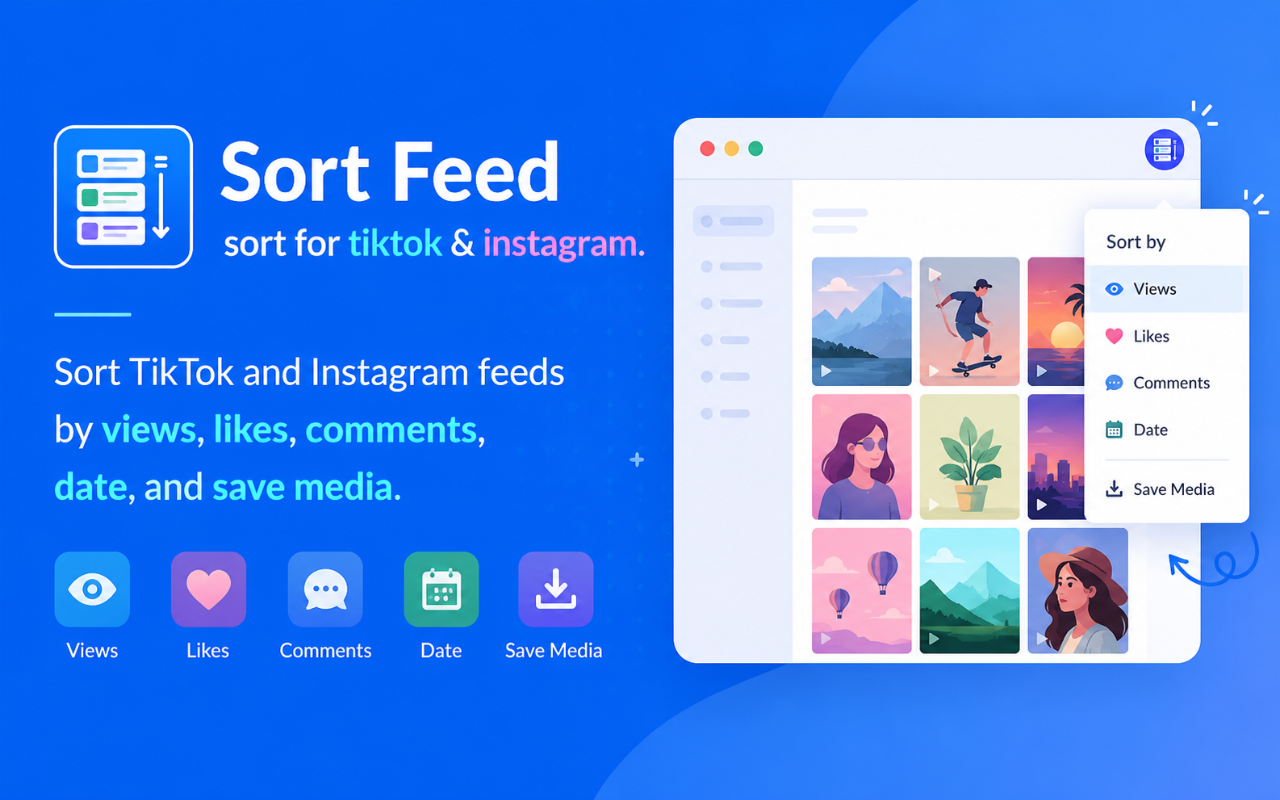
Sort posts & videos
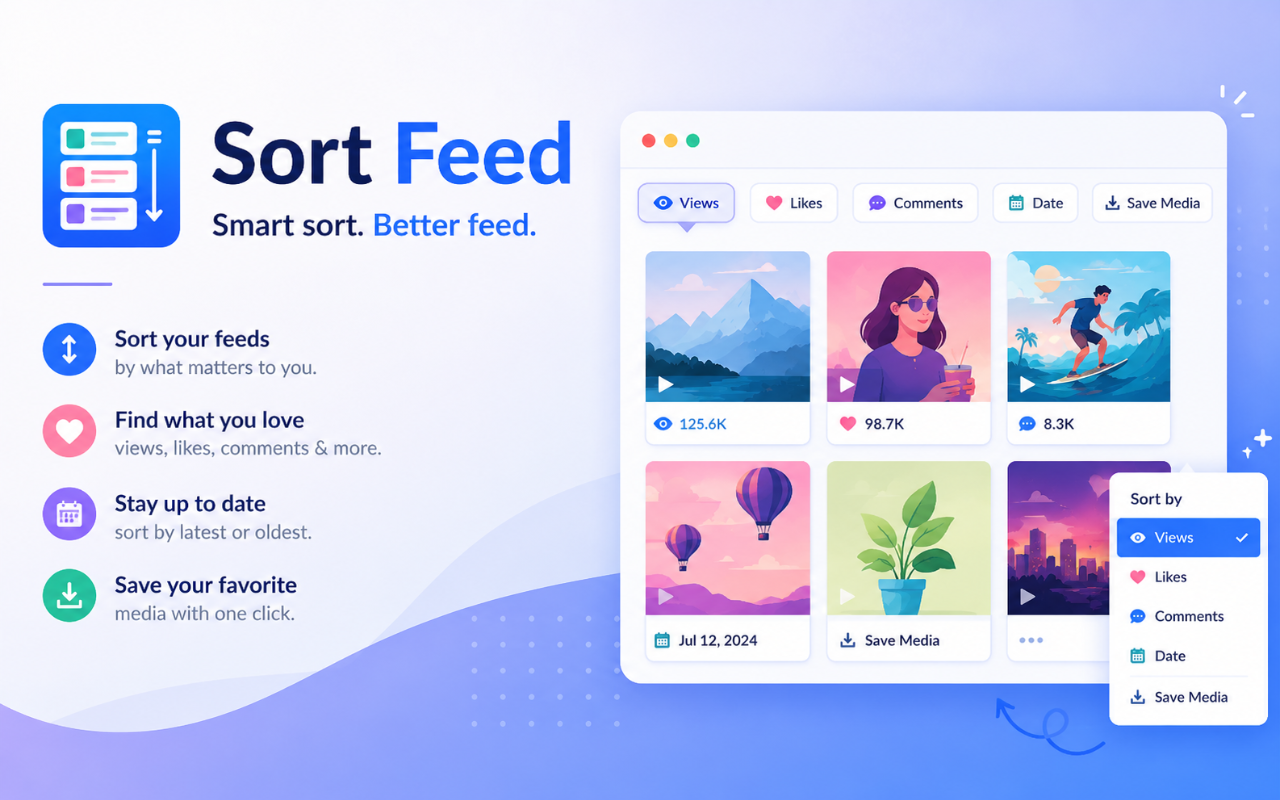
Sort Instagram by views, likes, comments or date. Sort TikTok by shares, bookmarks or publish time.
Download media
Save videos and images with custom filenames. Single or batch downloads.
Post insights
See views, likes and comments at a glance — without opening every post.
Video controls
Enhanced playback controls for a smoother viewing experience.
Multi-platform
Same workflow on Instagram and TikTok profiles, search, Reels and saved.
Privacy-first
Runs locally in your browser. No account. No data leaves your device.
How it works
Three steps. No sign-up, no setup.
Pin it
Pin Sort Feed to your Chrome toolbar so it’s one click away.
Open a profile
Open any Instagram or TikTok profile, search page or saved collection.
Sort & save
Click the icon, pick a sort field, and download top posts instantly.
Built for TikTok & Instagram
Works on profiles, search, saved, collections and more.
TikTok
- Search results
- Profile grids
- Music pages
- Hashtag pages
- Saved videos
- Main feed
- Explore page
- Reels
- Profile grids
- Saved posts
FAQ
Common questions about Sort Feed.
What is Sort Feed?
Sort Feed is a free Chrome extension that sorts Instagram posts by views, likes, comments and date, and sorts TikTok videos by engagement metrics — plus one-click download.
Can I sort Instagram by views?
Yes. Sort by views, likes, comments or date on Instagram. TikTok supports similar engagement fields including shares and bookmarks.
Can I download videos?
Yes. Download buttons appear on supported Instagram and TikTok posts. You can customize filename templates and save location.
Do I need an account?
No. Sort Feed works on the page without creating an extension account.
Is my data safe?
All processing runs locally in your browser. Nothing is sent to our servers.
Where do I install it?
Install free from the Chrome Web Store. Desktop Chrome only.
Works alongside FBSaver
Use FBSaver for Facebook videos, Reels, photos and albums. Use Sort Feed to sort and download Instagram and TikTok.
Ready to sort Instagram & TikTok?
Install Sort Feed and surface top posts on any profile — by views, likes, comments or date.
Install Sort Feed — Free